 Zevilo
AI VIDEO MAKER FOR ANDROID
Give your photos motion.
Turn a still image into a short video. Pick an effect or write your own prompt and set the scene in Zevilo.
See how it works
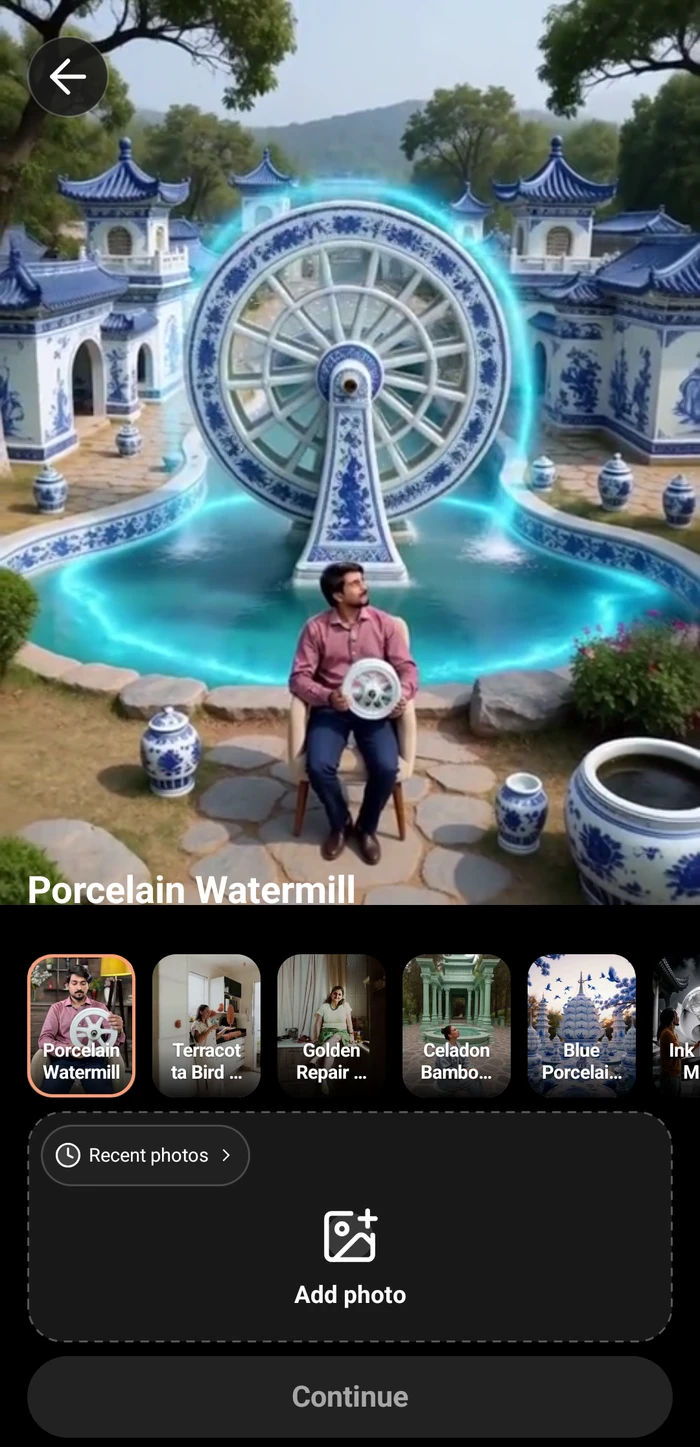
From photo to video
Choose a photo
Start with a portrait, a favorite scene, or two images for an effect that uses a pair.
Direct the motion
Use a video template or describe your idea with a custom prompt.
Keep the result
Review your creation in My studio, then save or share the video.
Questions?
Which photos can I use?
Use photos you own or have permission to upload and edit. Available input options depend on the effect.
How do I keep a finished video?
Open the video in My studio and save it to your device before the availability period shown in the app ends.
Where can I get help with access or billing?
Email shirleybell1975@gmail.com. If relevant, include the version shown in Settings and describe what happened.